Best Mods for BUSSID That Actually Make the Game More Fun
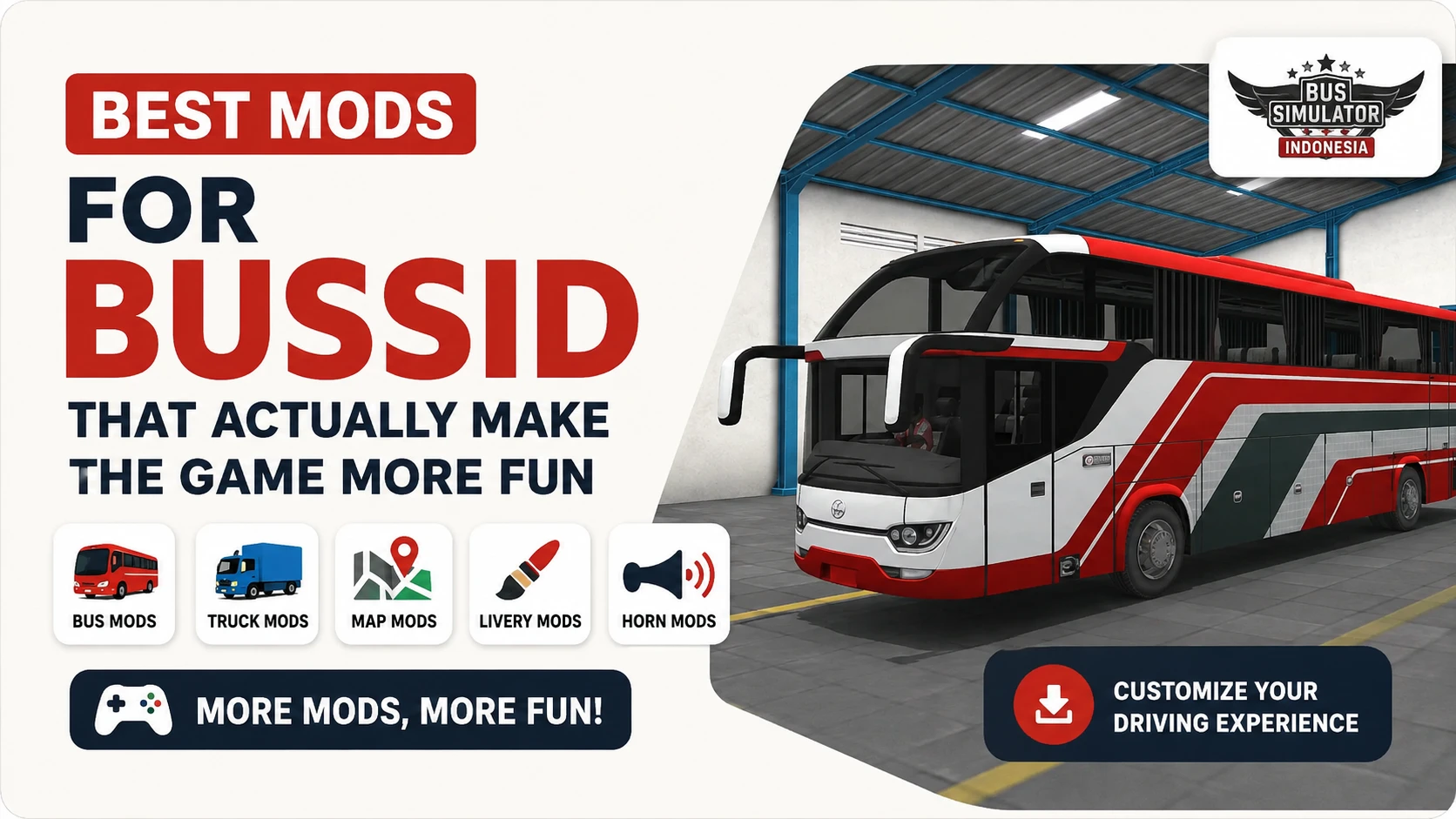
After a while, the default gameplay in Bus Simulator Indonesia starts to feel repetitive. Same buses, same roads, same driving style. That is usually the point where players start trying mods. Some only change how a vehicle looks. Others change how the whole game feels. The best mods for BUSSID are not just about graphics. What matters more is handling, cabin feel, road balance, engine sound, and whether a vehicle still feels good after 20 or 30 minutes of driving.
A lot of flashy mods look great in screenshots but get tiring during real gameplay. So it helps to choose mods that match your phone and your driving style, not just the ones with the most detail.
BUSSID Mod Types at a Glance
Mods for BUSSID now cover much more than buses. You can install touring coaches, cargo trucks, sports cars, pickups, Indian road maps, off road tracks, and even construction vehicles. Here is a quick look at the main types and who they suit.
| Mod type | Best for |
|---|---|
| Bus mods | Realistic passenger driving |
| Truck mods | Heavy cargo and slower driving |
| Car and sports mods | Fast, casual sessions |
| Map mods | New roads, cities, and regions |
| Pickup mods | Smaller vehicles and narrow roads |
BUSSID Mods vs Mod APK
A BUSSID mod and a mod apk are not the same thing, and mixing them up causes a lot of confusion.
You can use vehicle, map, livery, and horn mods with the official BUSSID app. These mods for BUSSID add to the game you already have. A mod apk is a separate modified app, so it is not the same as adding a vehicle or map file.
Best Bus Mods for BUSSID
Jetbus 3+ SHD
This is a useful starting point if you are new to BUSSID mods. The design aims for a stable coach feel, which can suit long highway routes, and the detailed interior makes it good for players who enjoy cabin driving. The Jetbus 3+ SHD mod is a balanced pick rather than an extreme one, and it also works nicely with custom liveries.
Scania Touring Bus
The Scania touring bus mod may suit players who prefer a heavier highway driving feel. Its design leans toward realistic long distance driving, with a cabin, dashboard, and windshield view that may appeal to players who prefer detailed interiors. It may suit players who enjoy night driving, long routes, Indian road maps, and rain gameplay, if you like a calmer, more realistic style over sportier buses.
KSRTC Bus
The KSRTC bus mod is a natural choice for players who want an Indian bus style. The design may feel familiar to players who enjoy Indian bus styles, especially Kerala inspired routes, which can make the drive feel more personal. The interiors are usually simple, and that simplicity suits believable, slower gameplay on village roads and narrow routes.
Mercedes-Benz Bus
Mercedes bus mods can suit players who enjoy a cleaner, luxury style. The body design often looks sharper than regular buses, especially the front profile and lighting, and the inside view can feel more premium. Some versions have very loud engine sounds, so it is worth trying a few to find one that fits your taste.
Truck and Construction Mods
Truck mods change the whole rhythm of BUSSID. A heavy truck is slower, braking distance grows, turning gets wider, and steep roads feel different from buses, so truck mods offer a slower and more demanding driving experience. Fuso and Hino truck mods are useful choices for players who want a traditional cargo truck experience. Volvo truck mods may offer a more detailed or heavier driving style, but performance depends on the specific file and your phone. If you want something bigger, the JCB mod brings a construction vehicle into the game for a completely different drive.
Indian Map Mods for BUSSID
Indian map mods are available for players who want routes inspired by Indian roads. The base game uses Indonesian geography, but the mod system lets you install map packs that recreate Indian road environments. These can include highway routes, city roads, village areas, and mountain roads inspired by different parts of India. Some are built around a specific state or region, while others combine several environments in one map pack.
- Indian highway maps
- City and village maps
- Tamil Nadu themed maps
- Karnataka themed maps
- Mountain and off road routes
To install one, you download the map file separately and import it into the game’s mod system. These mods normally do not require root access.
Pickup and Sports Car Mods
Not everyone playing BUSSID wants buses. Pickup mods are light and easy to drive, and they work well on village maps, off road tracks, and narrow roads. A smaller vehicle mod can be a lighter choice, but performance still depends on the mod’s textures, scripts, optimization, and your phone.
Sports car mods make the game feel completely different. Community creators also make sports car mods inspired by vehicles such as Ferrari, BMW, Lamborghini, and Supra. These can change the pace of the game with sharper steering and quicker acceleration, depending on the mod. Some are badly optimised and slide too much in turns, so the better ones are worth seeking out. They suit short, fast sessions when you do not want passenger routes.
Why Map Mods Matter More Than You Expect
Many players focus only on vehicles, but maps often change the experience even more. Good map mods add narrow village roads, mountain routes, rough off road tracks, Indian highways, and fresh Indonesian environments. Some maps are difficult on purpose, with sharp turns, broken roads, and steep climbs, and those routes get far more interesting when paired with heavier buses or trucks. Even an older vehicle mod feels fresh again on a new map.
How to Choose the Right BUSSID Mod
With so many mods for BUSSID to pick from, choose one based on how you like to play.
- Long highway routes: touring and coach bus mods
- Indian style driving: KSRTC and Indian themed vehicle or map mods
- Heavy driving: Fuso, Hino, and Volvo truck mods
- Off road routes: pickup, construction, and off road vehicle mods
- Fast casual sessions: sports car mods
- Visual customization: liveries and horn mods
- New environments: map mods
How to Install Mods for BUSSID
Many vehicle mods can be added through the file manager or the game’s import option. The exact steps may vary by BUSSID version and file type.
Method 1, the folder way:
- Download the mod file, and extract it first if it is a .zip or .rar.
- Find the file ending in .bussidvehicle or .bussidmod.
- Move it into Internal Storage, then BUSSID, then Mods, if your game version supports manual file importing.
- Open the game and go to the Garage.
- Select the new vehicle and tap Use.
Method 2, the in-game way:
- Open the game and go to the Garage.
- Look for the Import option. Depending on your version, it may appear as a folder, a plus icon, or another import button.
- Browse to the downloaded file and select it.
- The game confirms it, and the vehicle appears in your list.
Liveries work a little differently, since they load as a PNG through the livery menu. These mods normally do not require root access.
Check the Mod Version Before Installing
A vehicle or map mod made for an older BUSSID release may not work correctly after a game update. Before installing, check the mod’s listed game version, file type, and any instructions from the creator. If the game crashes or the mod does not appear, remove the file and try a compatible version.
Common Mistakes New Players Make
One mistake happens often, downloading ultra HD mods on weak phones. They look amazing in screenshots, but the game can get laggy after a few minutes as rain, traffic, and detailed interiors drop the frame rate. On a weaker phone, a lighter and better optimised mod can be a better choice than a high detail model. The other common problem is installing random files from unsafe sites with fake download buttons. Stick to sources you trust, and scan any file before you open it.
Which BUSSID Mod Feels the Most Realistic?
It depends on what you enjoy. If you like long, calm driving, a coach like the Scania Touring, the Jetbus 3+ SHD, or the KSRTC bus can be a good fit. If you want a harder drive, truck mods, off road maps, and heavy vehicles suit you better. And if you just want fun, sports cars or pickups do the job. That range of choices is part of why BUSSID has such an active modding scene.
Frequently Asked Questions (FAQs)
Final Thoughts
The best mods for BUSSID are the ones that stay fun long after the first drive, not just the ones that look good in a screenshot. Start with a balanced bus like the Jetbus or KSRTC, try a truck or a new map when you want a change, and keep your mods matched to your phone and game version. Pick a few that fit how you like to drive, and even familiar routes can feel different.