Basuri Horn for Bus Simulator Indonesia: How to Install and Use
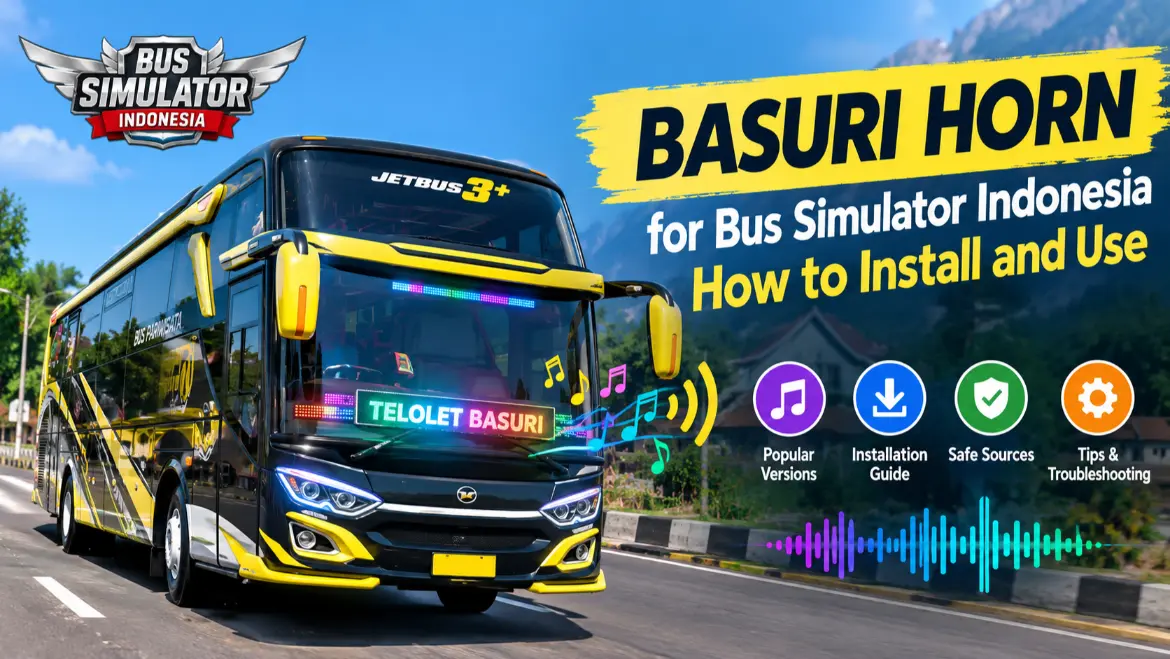
The loud, musical bus horn associated with Indonesian buses is commonly called telolet basuri, and it is a well known sound customization in BUSSID. If you want that sound on your own bus, this guide covers everything. It explains what a basuri horn for Bus Simulator Indonesia actually is, the popular versions, how to install one in the game, and where to find horn files safely. This is a guide only, so if you are actually after the modded game, that lives on our Bus Simulator Indonesia Mod APK page, not here.
What Is a Telolet Basuri Horn?
Telolet is the distinctive horn sound associated with Indonesian buses. It became widely known around 2016 through the phrase “Om Telolet Om,” which roughly means “Uncle, honk your horn.” Children would wave at bus drivers and ask for the sound, and it turned into a viral trend.
A basuri horn is a musical bus horn that plays several notes or short melodies instead of a normal single tone. In BUSSID, a basuri horn may be added as a sound file or as part of a compatible vehicle mod, so the bus can play those tunes in the game. Players often use “telolet,” “basuri,” and “basuri horn” for related sound customizations.
Popular Basuri Horn Versions
Basuri horns come in versions and styles, and players often search for specific ones. The table below explains the common types you will see in a basuri horn for Bus Simulator Indonesia.
Basuri horn for Bus Simulator Indonesia: common types
| Horn type | What it means |
|---|---|
| Basuri V1 to V5 | Numbered horn versions with different sound sets |
| V3 Draka slow motion | A slowed version of a V3 style horn sound |
| DJ horn | A horn that plays a short DJ style sound or melody |
| Strobo | A horn pack sometimes paired with flashing LED effects |
| Indian, Kerala, and Tamil Nadu horns | Regional sound styles made for different bus themes |
V4 and V5 are commonly used names for newer or different horn packs, but the exact sounds depend on the creator. You do not need every version. Most players pick one or two favourites, try them, and keep the ones they like. Some horn files work with many buses, while others depend on the vehicle mod or installation method, so check the creator’s instructions before adding one to a new bus mod.
Basuri Horn File vs Horn App
These two get confused a lot, so it helps to know the difference. A basuri horn file is a sound file or sound pack intended for a compatible BUSSID setup. A horn app is a separate Android application that stores or plays horn sounds.
They are not the same thing. Installing a horn app does not automatically make the sound appear inside BUSSID. Check whether the file or app specifically supports the version of the game you are using.
How to Install a Basuri Horn for Bus Simulator Indonesia
Installing a basuri horn for Bus Simulator Indonesia is different from installing a bus mod, since a horn is a sound file. The exact method depends on the horn pack and your BUSSID version. Some packs support a direct audio import, while others come with their own instructions from the creator. Here is the general process.
- Download a basuri horn sound file from a source you trust.
- If it comes as a .zip or .rar, extract it first with a file manager that supports archives, such as ZArchiver.
- Open Bus Simulator Indonesia and select the bus you want to customize.
- Look for the Garage, Sound, Horn, or vehicle customization option available in your version.
- If the horn pack supports direct audio import, select the downloaded file and confirm the change.
- If the pack uses a different system, follow the instructions supplied by its creator.
Menus and steps vary by BUSSID version and by the horn pack, so if the layout differs, follow any instructions included with the file. Root access is not normally required, but the exact requirement depends on the horn pack and how it is installed.
Where to Find Basuri Horn Files Safely
We do not host any basuri horn for Bus Simulator Indonesia here, so this section points you the safe way rather than to a random download. Most players get horn files from a few places:
Whatever the source, protect yourself. Scan the file before opening it, check the file extension so it is a normal sound or archive file rather than a hidden app installer, and avoid sites that demand you complete surveys, disable safety checks, or enter your Google password. A creator’s own upload may be easier to verify than an unknown mirror, but you should still check the file before opening it. If you install any app for horn sounds, check its permissions and publisher first.
Common Problems and Fixes
Frequently Asked Questions (FAQs)
Conclusion
A basuri horn is a simple way to give your BUSSID bus a different sound and personality. Pick a version you like, install it safely from a trusted source, and enjoy the telolet sound on your own routes.