Bus Simulator Indonesia Multiplayer: How to Play With Friends
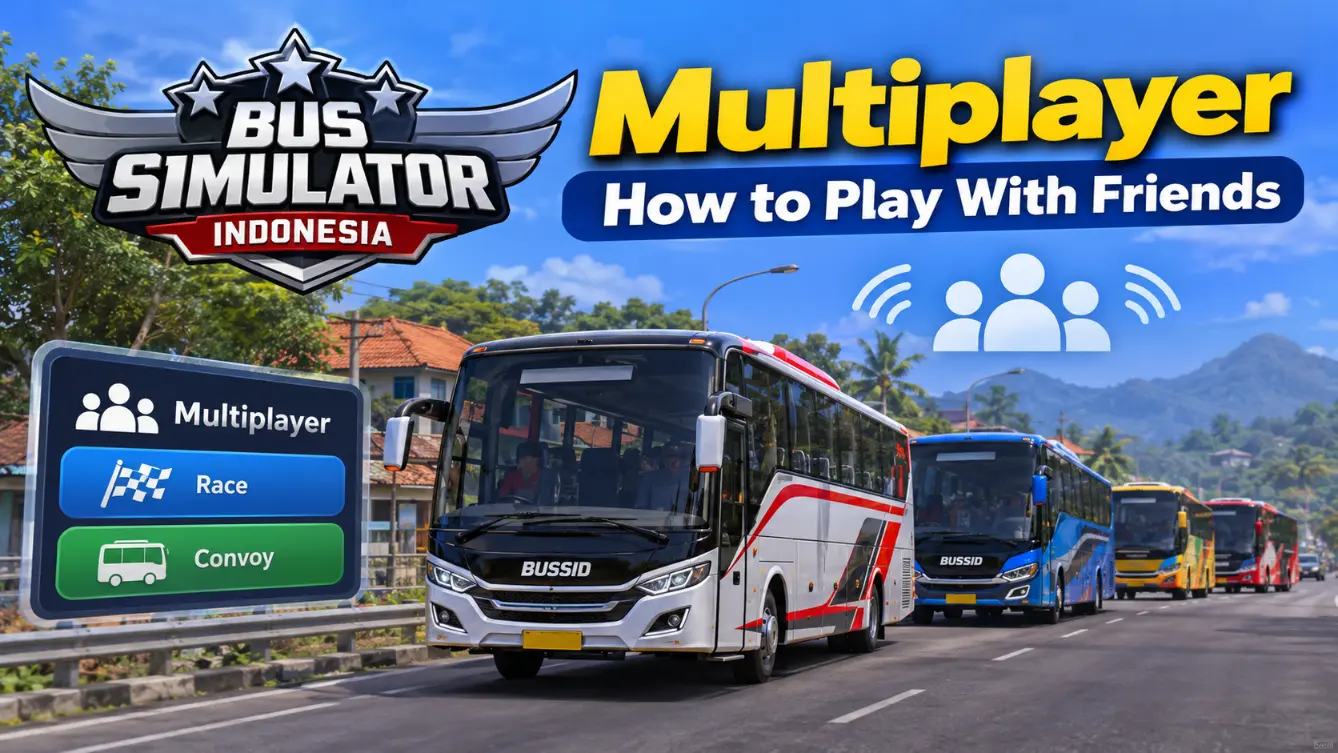
Driving alone is fun, but driving with friends is better. Bus Simulator Indonesia multiplayer lets you share the road with real players instead of AI traffic, either in a racing style session or cruising together in a convoy. Setting it up takes a few steps, and this guide walks through each one, from entering the mode to creating a room and inviting friends.
What Is Multiplayer in BUSSID?
Bus Simulator Indonesia multiplayer is the online mode where you drive with other real people at the same time. In every other mode you share the road with computer-controlled traffic, but here the other buses are actual players. You can join a public room full of strangers or create a private room and share the code with friends only.
There are two ways to play once you are online:
- Race: you compete with other players in a racing style session.
- Convoy: you drive together on the same route, like a real bus caravan.
What You Need Before You Start
A little preparation avoids most problems. Check these first.
- Everyone should use the same or a compatible BUSSID version. If one player cannot join, check for a version mismatch first.
- A stable internet connection, since multiplayer needs the game online.
- Enough in game coins to enter, or you can watch an ad instead.
One note on cost: multiplayer may require an entry fee of about 40,000 coins, or the game may offer an ad based entry option. Check the amount shown on your screen, because the available option can change between versions. You earn coins by driving in Career mode, so a few completed routes usually cover it.
How to Enter Bus Simulator Indonesia Multiplayer
Getting online only takes a moment once you know where to look.
- Open Bus Simulator Indonesia and tap the Multiplayer option from the main menu.
- Pay the coin entry shown on screen, or choose to watch an ad instead.
- Pick a server from the list, or use the auto option if your version provides it.
- Choose your mode, Race or Convoy.
- Join a room from the list, or create your own.
Depending on the current version, the server list may include regions such as India, Singapore, Asia, Chennai, USA East, UAE Dubai, South America Brazil, and Europe Amsterdam. A nearby server will often provide lower ping, but the best choice depends on your connection and the server’s current load.
How to Create a Room and Invite Friends
If you want to drive with specific people rather than strangers, create a room and share its name and code with your friends.
- In the multiplayer lobby, tap Create Room.
- Enter a room name that your friends can recognize.
- Set a room code and share it privately, so your friends have both the name and the code they need to join.
- Set the player limit if the option is available. Many guides report room sizes from 2 to 10 players, but the limit may depend on the current version.
- Choose the travel route on the map, then tap Create.
Once the room is ready, share the room name and code with your friends through WhatsApp, Discord, or a group chat. They open Multiplayer, choose the same Race or Convoy mode, find the room by name, enter the code, and join. The exact buttons may vary slightly between game versions. When everyone has spawned in, agree on a bus and a departure time so the convoy sets off together.
Tips for a Smooth Multiplayer Session
A few habits make the drive better for everyone.
A Note on Mods and Multiplayer
If you use a modded version of the game, be careful with online play. Modified game files may cause compatibility or account related problems during online play, so for multiplayer the official game is the safer choice. You can still enjoy custom liveries and vehicles from our collection of BUSSID mods in single player, where they are less likely to interfere with online compatibility.
Common Multiplayer Problems and Fixes
Most multiplayer issues come from the connection or a version mismatch. Here are the common ones.
- Cannot join a room. Check that everyone is on the same game version and typed the room name and code correctly.
- Constant lag. Pick a closer server, lower your graphics settings, and close background apps.
- Cannot connect at all. Check your internet, restart the game, and try again.
- Friend cannot find the room. Confirm the exact room name, since it is case sensitive and must match.
Frequently Asked Questions (FAQs)
Conclusion
Bus Simulator Indonesia multiplayer turns a solo drive into a shared adventure, whether you race other players or roll together in a convoy. Set up a private room, share the code, agree on a route, and you are ready to go. Keep online play on the official game for safety, and save your custom mods for single player fun.