
Bus Simulator Indonesia for PC v4.5.2: Download and Play (Windows)
Latest version
v4.5.2
3M Reviews
100 M+
Downloads
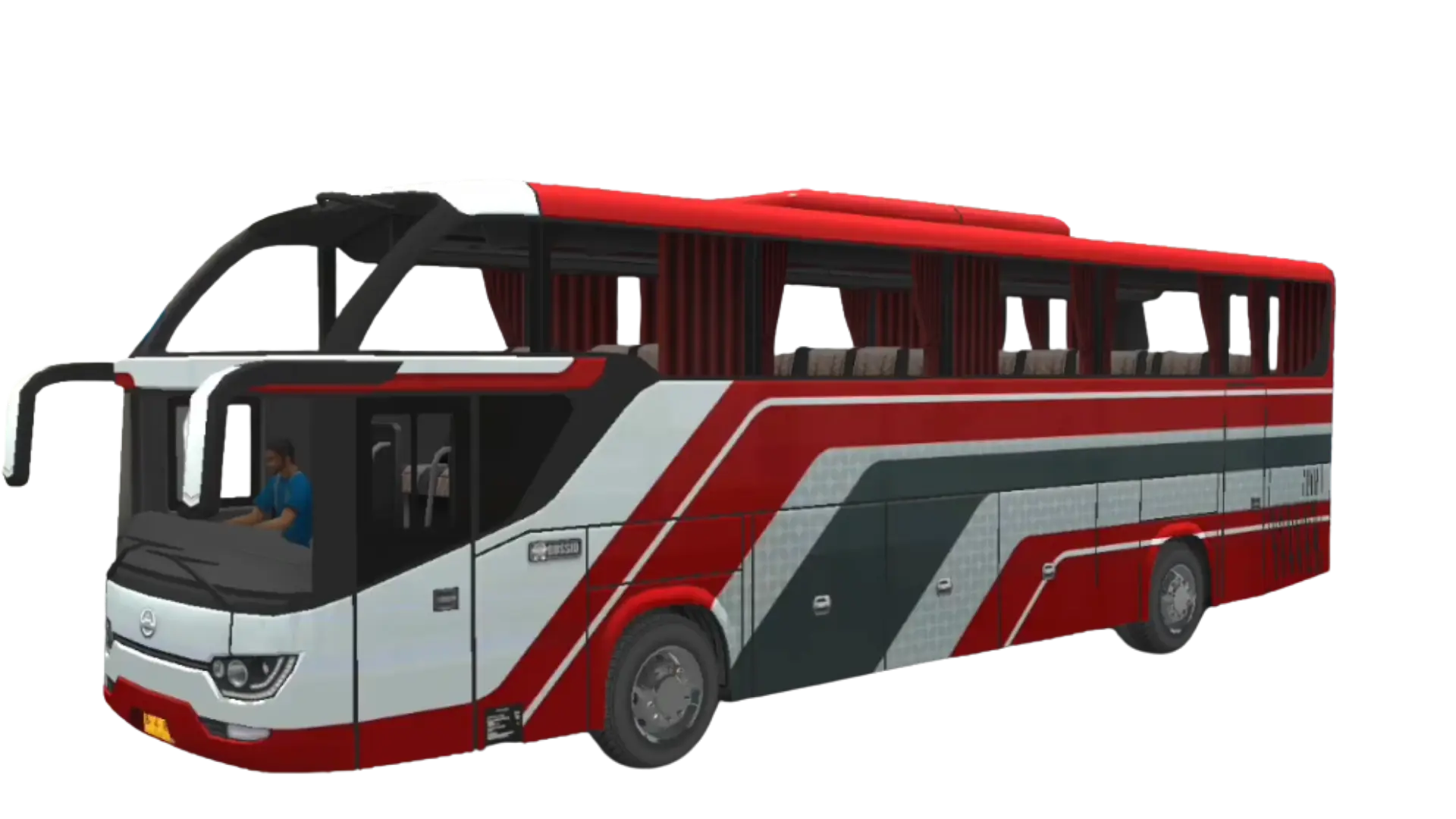
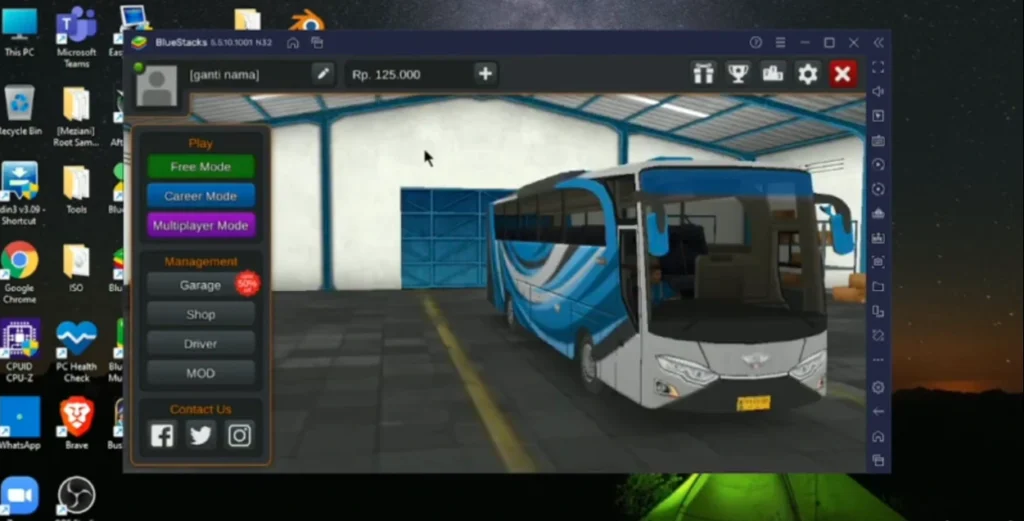
Bus Simulator Indonesia for PC does not come as a native Windows program. There is no BUSSID.exe or Windows installer, so to play on a computer you install a free Android emulator first, then run the Android game inside it. That is the setup everyone uses to play BUSSID on a bigger screen with a keyboard and mouse. Below you get the emulator options, the setup steps, the controls, and how to run the mod on your PC.
Looking to run the mod on your computer? The mod steps further down cover exactly how to install it inside an emulator.
Bus Simulator Indonesia for PC at a glance
| Detail | Information |
|---|---|
| Game | Bus Simulator Indonesia (BUSSID) |
| Also known as | Bus Simulator Indonesia for PC, BUSSID for PC |
| Play on PC using | A free Android emulator |
| Easiest emulator | BlueStacks |
| PC needs | Windows 7 or newer, 4 GB RAM, about 10 GB free |
| Cost | Free |
Can You Play Bus Simulator Indonesia on PC?
Yes, you can play Bus Simulator Indonesia on PC, but not with a native app. BUSSID does not have a Windows version, so there is no PC only build to download. The way around this is an Android emulator, a free program that runs Android apps on your computer. Once it is set up, the game looks and plays just like it does on a phone, only bigger.
Why Play BUSSID on a Bigger Screen?
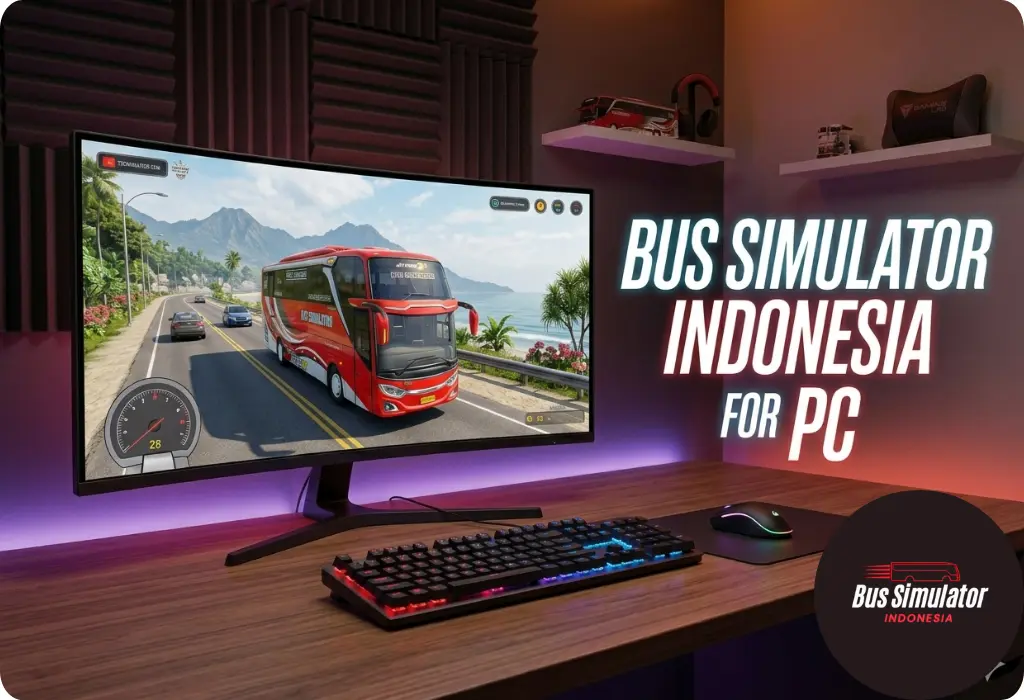
Driving a bus feels better with room to see the road. A computer gives you a few clear wins over a phone.Playing BUSSID on a PC is much easier and more enjoyable than on a mobile phone.
PC vs Mobile Version
BUSSID plays the same on both, but each side has its strong points. This quick comparison helps you choose.
| Point | Mobile (Android) | PC or laptop (emulator) |
|---|---|---|
| Screen | Small and handheld | Large monitor |
| Controls | Touch | Keyboard and mouse |
| Setup | Install and play | Needs an emulator first |
| Heat | Can get warm during long sessions | Depends on the computer and emulator |
| Portability | Play anywhere | Tied to your desk |
If you like to play on the go, mobile wins. For long tourism routes and steadier controls, a PC or laptop is hard to beat.
Best Emulators for Bus Simulator Indonesia
An emulator is the tool that makes PC play possible, and a few good ones are free. Pick the one that suits your computer.
| Emulator | Why consider it |
|---|---|
| BlueStacks | Easy setup and widely used |
| LDPlayer | Android gaming focused |
| MEmu Play | Another lightweight emulator option |
| GameLoop | Gaming focused emulator |
If you are not sure, the steps below use BlueStacks as an example, since it is simple for a first setup. You can try another emulator later if it suits your PC better.
How to Install Bus Simulator Indonesia for PC
Setting up Bus Simulator Indonesia for PC takes only a few minutes. These steps use BlueStacks, but the others work the same way.
Option 1: Install the official BUSSID
Option 2: Install a BUSSID mod APK
Once BUSSID is running, you can add custom vehicles, liveries, and maps from our mods for BUSSID page.
How to Play the Mod APK for PC
You can also run the mod apk for PC, with the money and buses unlocked. It installs inside the emulator instead of the Play Store, so you get the full version of the game on a big screen.
Typical Emulator Requirements
BUSSID has no PC specs of its own, so what matters is what your emulator needs. These are the typical minimums, and they vary a little by emulator and version.
Requirement | Typical minimum |
|---|---|
Operating system | Windows 7, 8, 10, or 11 |
Processor | Intel or AMD with virtualization enabled |
Memory (RAM) | 4 GB or more |
Free storage | Around 10 GB for the emulator and game |
Extra | Administrator rights on your PC |
The game itself is about 1.5 GB once installed. The emulator adds to that, so keep some extra space free. Check the requirements on your emulator’s site before you download.
Can I Use a Keyboard and Controller?
Yes to a keyboard, and often to a controller too. Emulators let you map keys with a built in key mapping tool, so you assign the actions you use most.
Common actions to map are:
- Steering, left and right
- Throttle and brake
- Horn
- Indicators
- Doors
- Camera view
Controller support depends on the emulator and its settings, so check your emulator’s controls menu. Once you set a layout, save it so it loads every time you play.
Common PC Problems and Quick Fixes
Most PC issues come from the emulator, not the game. Here are the ones players hit most and how to fix them.
Controller support depends on the emulator and its settings, so check your emulator’s controls menu. Once you set a layout, save it so it loads every time you play.
Prefer to Play on a Phone or iPhone?
Not everyone wants a computer setup. On Android, the game runs straight from the mod apk on our homepage. On Apple devices, it is a different story, so see our page on BUSSID for iPhone and iOS for what is and is not possible.
Frequently Asked Questions (FAQs)
Conclusion
Bus Simulator Indonesia for PC gives you the same game on a bigger screen, with controls that feel steadier and no phone overheating. Set up a free emulator like BlueStacks, install the game or the mod, and map your keys. In a few minutes you are driving Indonesian routes on your computer. For phone players, the mod apk on our homepage is only a tap away.